Weddings
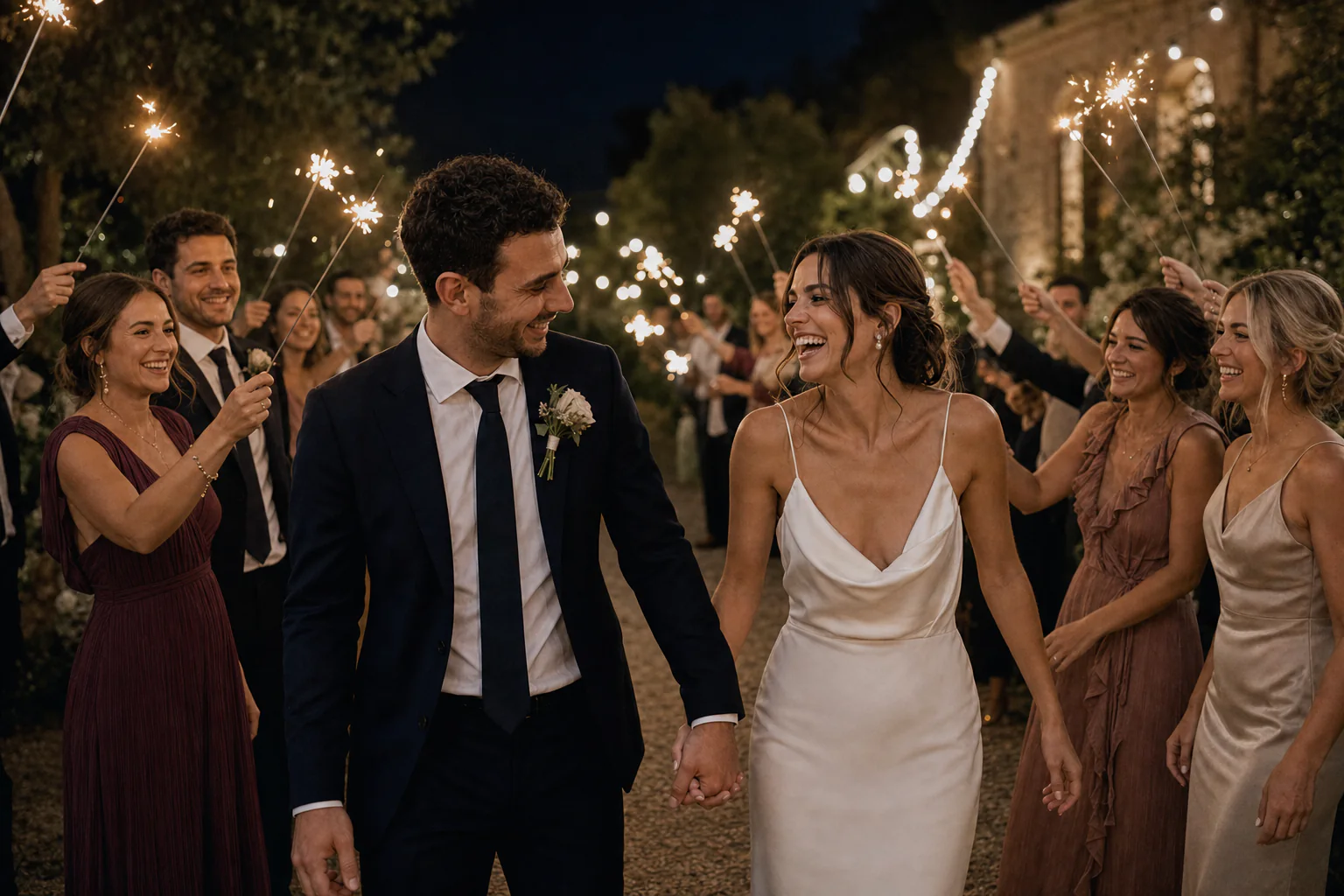
From the ceremony to the very last dance.
 MomentsBucket
 YOUR EVENT GALLERY, SHARED BY QR CODE
Guests scan your QR code and add photos and videos straight from their phones, with no app or account. You get every memory in one private gallery — for weddings, christenings, birthdays and corporate events.
Add a little magic: 40 AI styles for your guests’ photos.
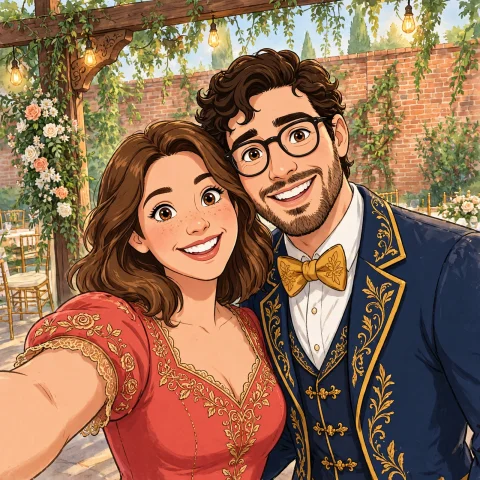
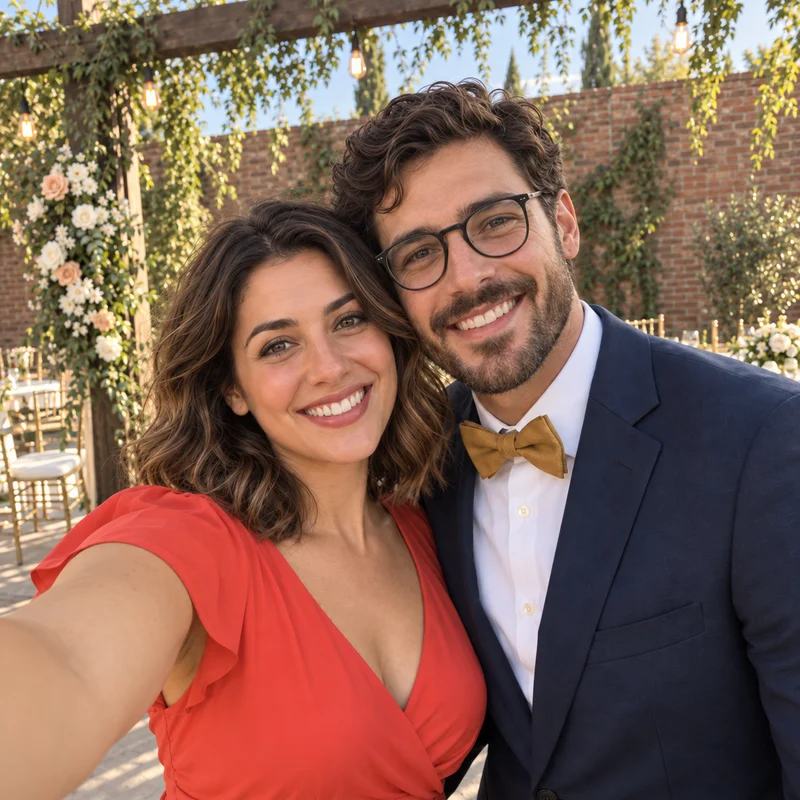
Drag the slider to compare with the original.
AI examples from the same photo. Results may vary.
From the ceremony to the very last dance.
A first big celebration. A lifetime of memories.
Favorite people, surprises and another story together.
Your team, your guests and the moments in between.
Guests choose a photo, give it a new look, and decide what to share in the gallery. No account. No app.
1,000 generations per event · AI access 30 days early · No individual allowance
Drag the slider to compare with the original.
AI examples created from the same photo. Results vary with each image.
Choose a plan, add your details, and get your gallery link and QR code.
They scan and upload straight from their browser. No account, no app.
Photos and videos in one place. With Magic AI, guests choose a style and share their favorite result.
Your gallery opens through the event link. You choose who gets it, and can add a PIN for access.
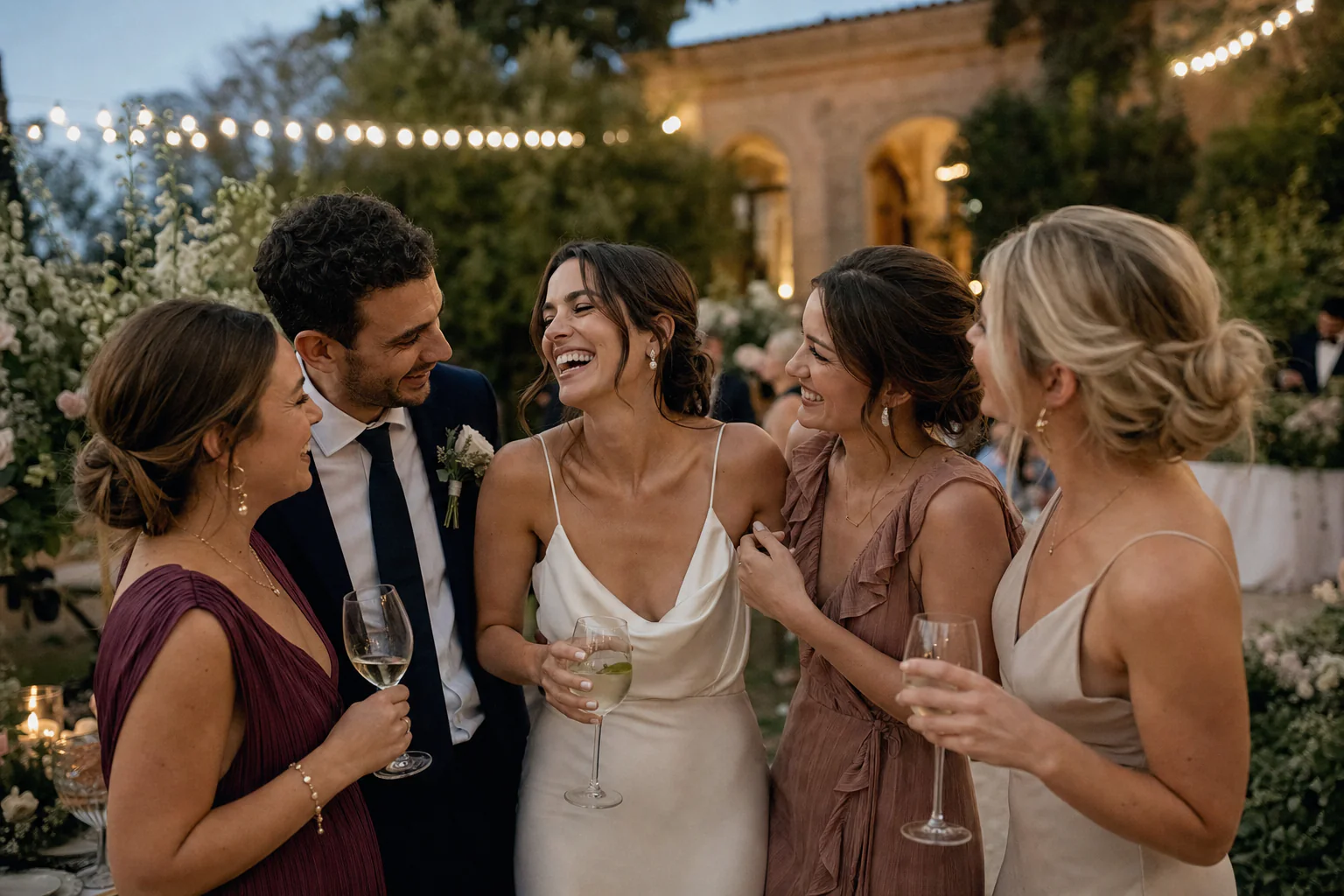
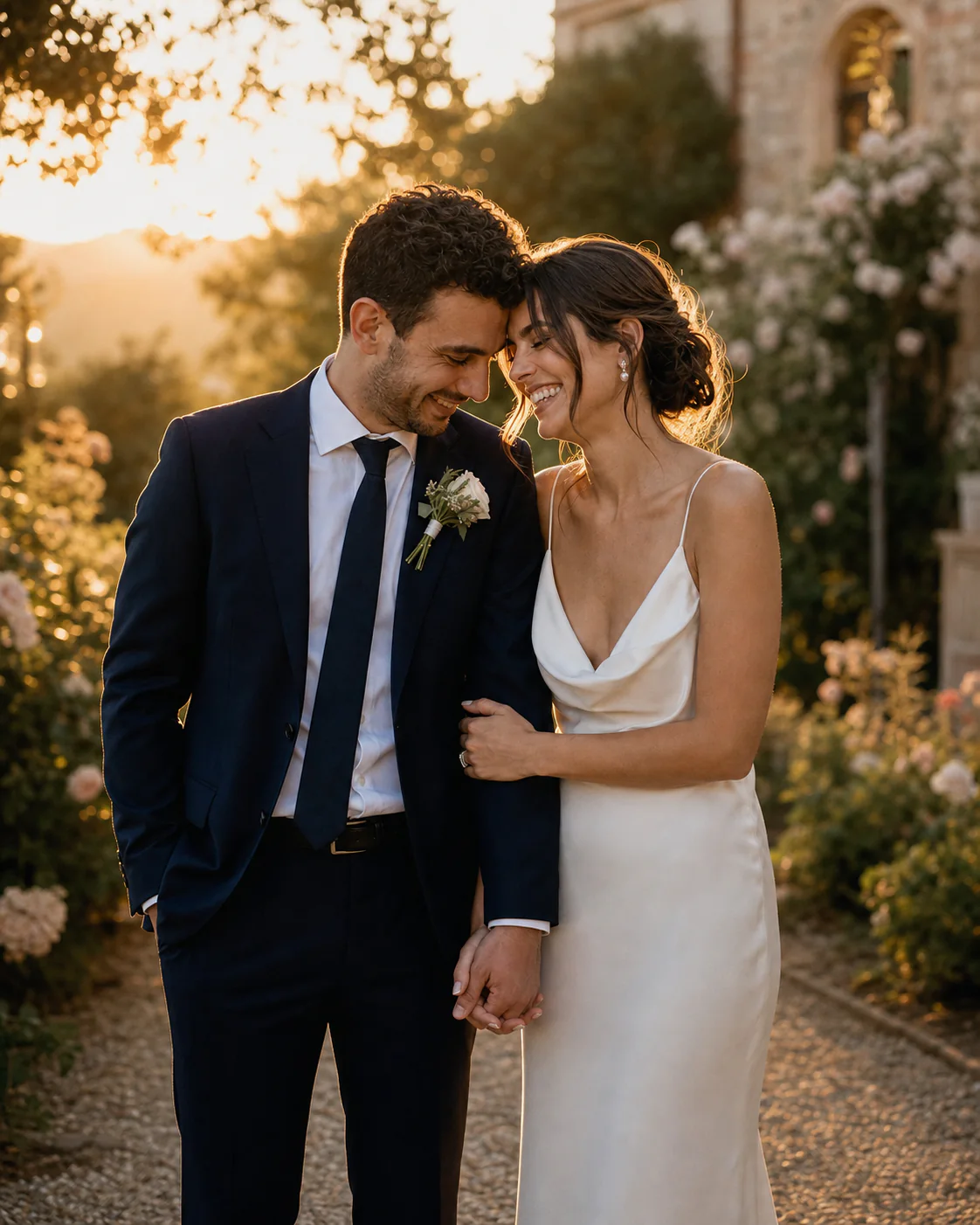
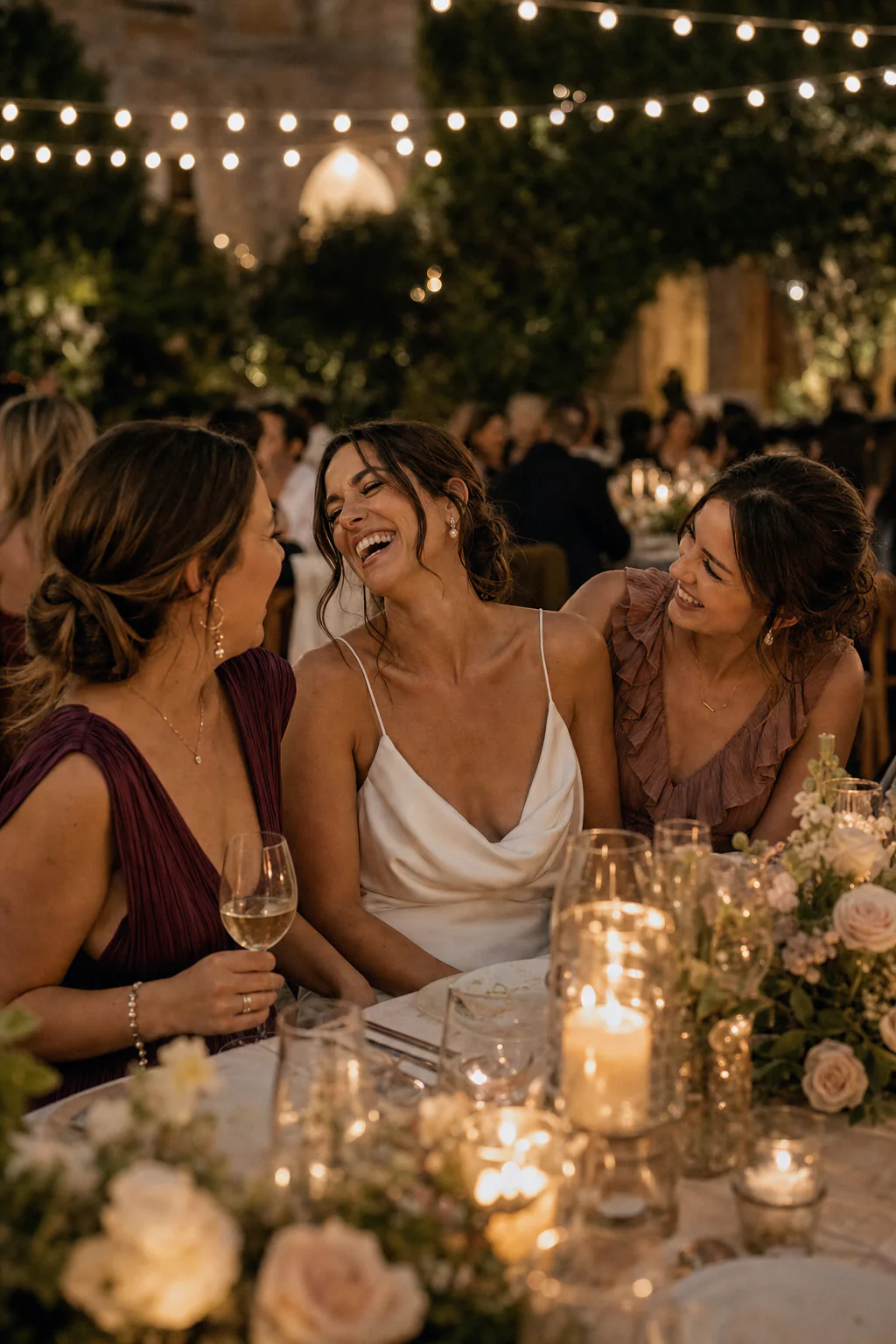
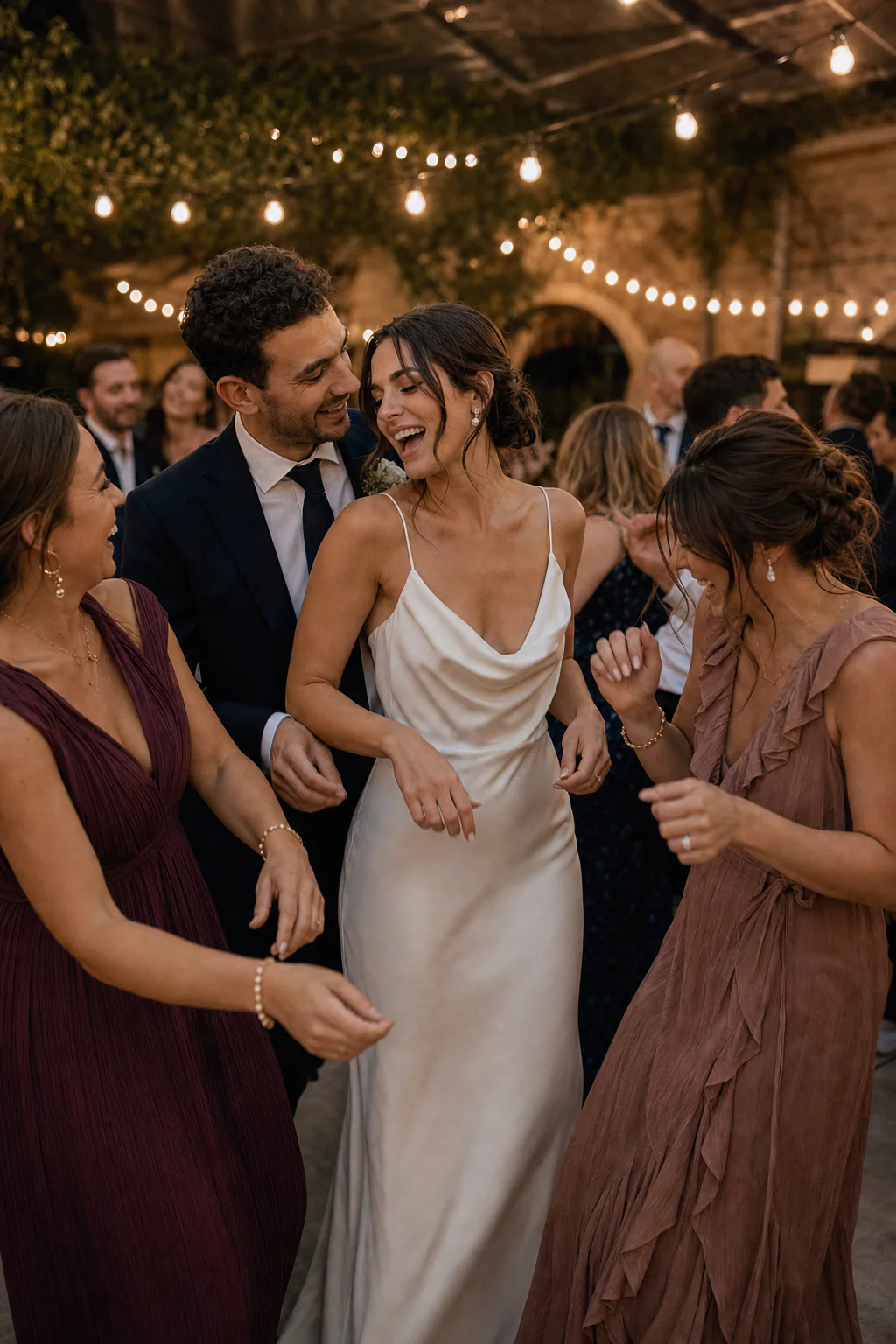
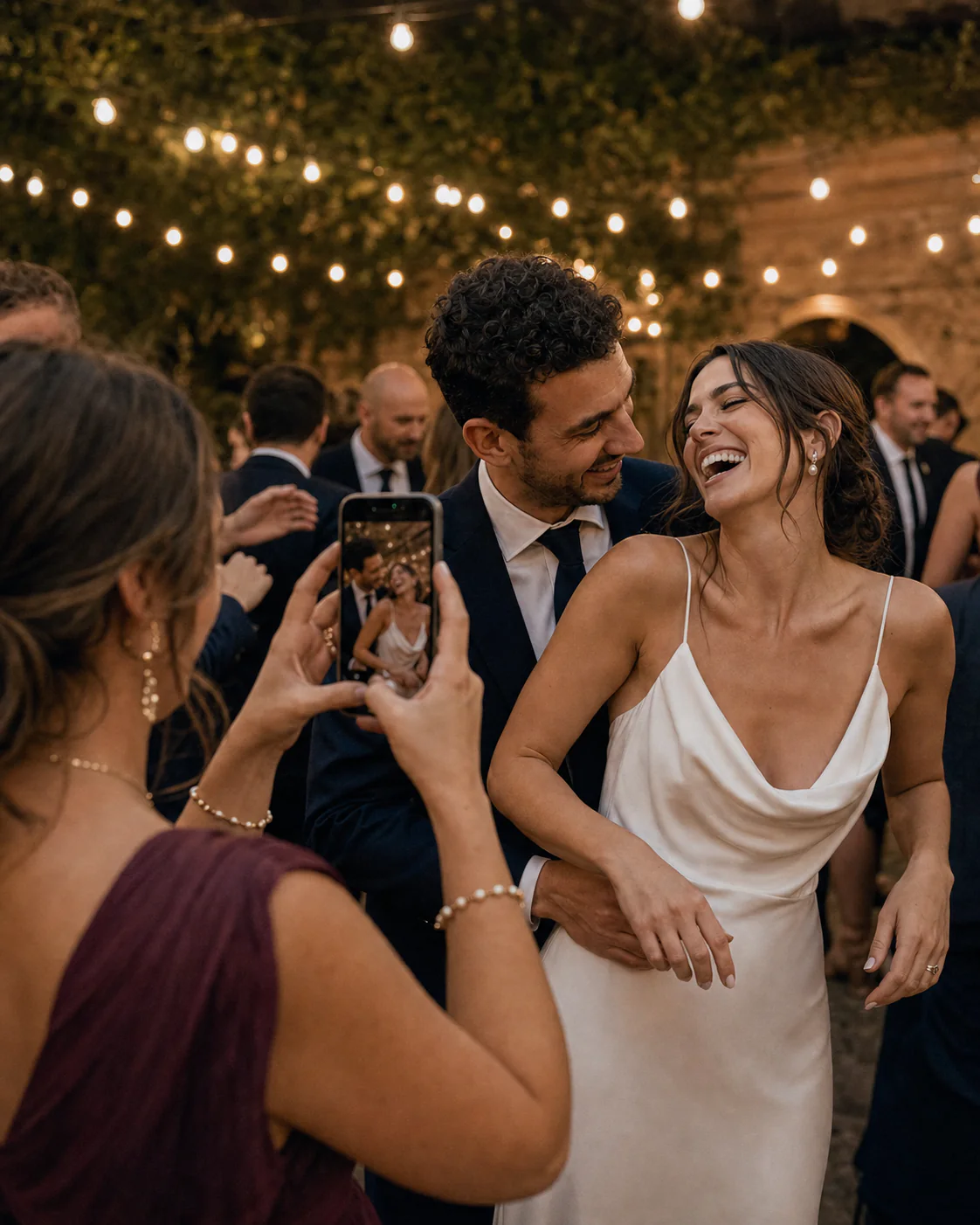
Two plans, the same care for your memories. One simple payment.
A home for every photo, every smile, every guest.
All your memories. And 40 ways to reimagine them.
They belong to the whole event, with no individual allowance. Each successfully created image uses one generation, even if you do not share it. A new variation uses another generation.
No. They scan the QR code or open the event link and add memories directly from their browser.
From 30 days before the event until 7 days after it. Test generations use the same event allowance. The host dashboard shows the exact closing date and time.
Yes. Guests can continue adding photos and videos throughout the event upload period.
You choose. Review the result, compare it with the original, and decide which photo to share.
Make a place for every one of them.
Create your event